

- PBR Maps: Normal, Base color, Metallic, Roughness, Specular for relighting
- Alpha: foreground matte for background replacement
- Depth Map: For compositing and 3D integration
Key Features
PBR, Alpha & Depth Pass Generation
Powered by SwitchLight 3.0. Convert footage into full PBR passes with alpha and depth maps.
2K Resolution, up to 1-minute
Process up to 2K resolution and one-minute videos or 2,000-frame sequences on cloud.
Image Sequence Support
Upload image sequence for professional workflow. Export VFX passes as image sequence.
Nuke, Blender & Unreal Engine Plugin
Direct integration plugins for seamless VFX pass import into Nuke, Blender, and Unreal Engine workflows.
Available VFX Passes
Specifications
These specifications are for Beeble (Cloud). For higher resolution and
longer duration, see Beeble Studio (Desktop).
Upload Format
- Image Sequence
- Image
- Video
Output Format
Beeble Cloud provides two output formats:- PNG: 8-bit PNG sequences for each VFX pass.
- MP4: 8-bit MP4 files for each VFX pass.
EXR export is only available in Beeble Studio
(Desktop).
- PNG
- MP4
Good vs. Bad Footage
Even though our AI models generate VFX passes from your footage—like depth, normals, or lighting layers—we don’t “invent” details. The quality of the output depends entirely on the input. Make sure your footage contains enough visual detail by following these examples.✅ Good Footage
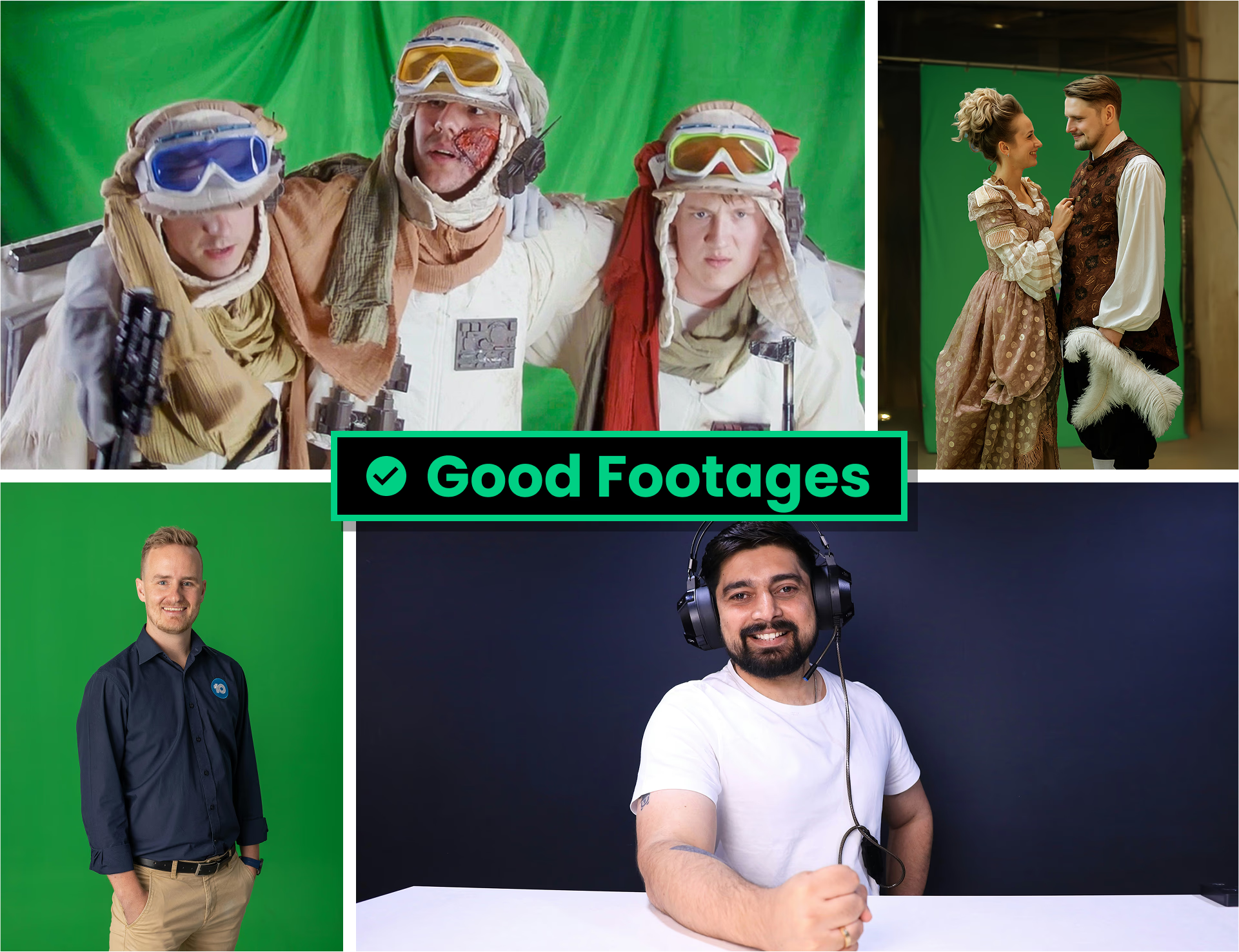 Footage should be ready for compositing with:
- Includes clear subjects – such as people or objects
- Strong separation between subject and background
- High-quality – sharp focus, high bitrate, and detailed visuals
- Soft, even lighting – avoid harsh shadows or blown highlights
- Correct white balance and proper exposure
❌ Bad Footage
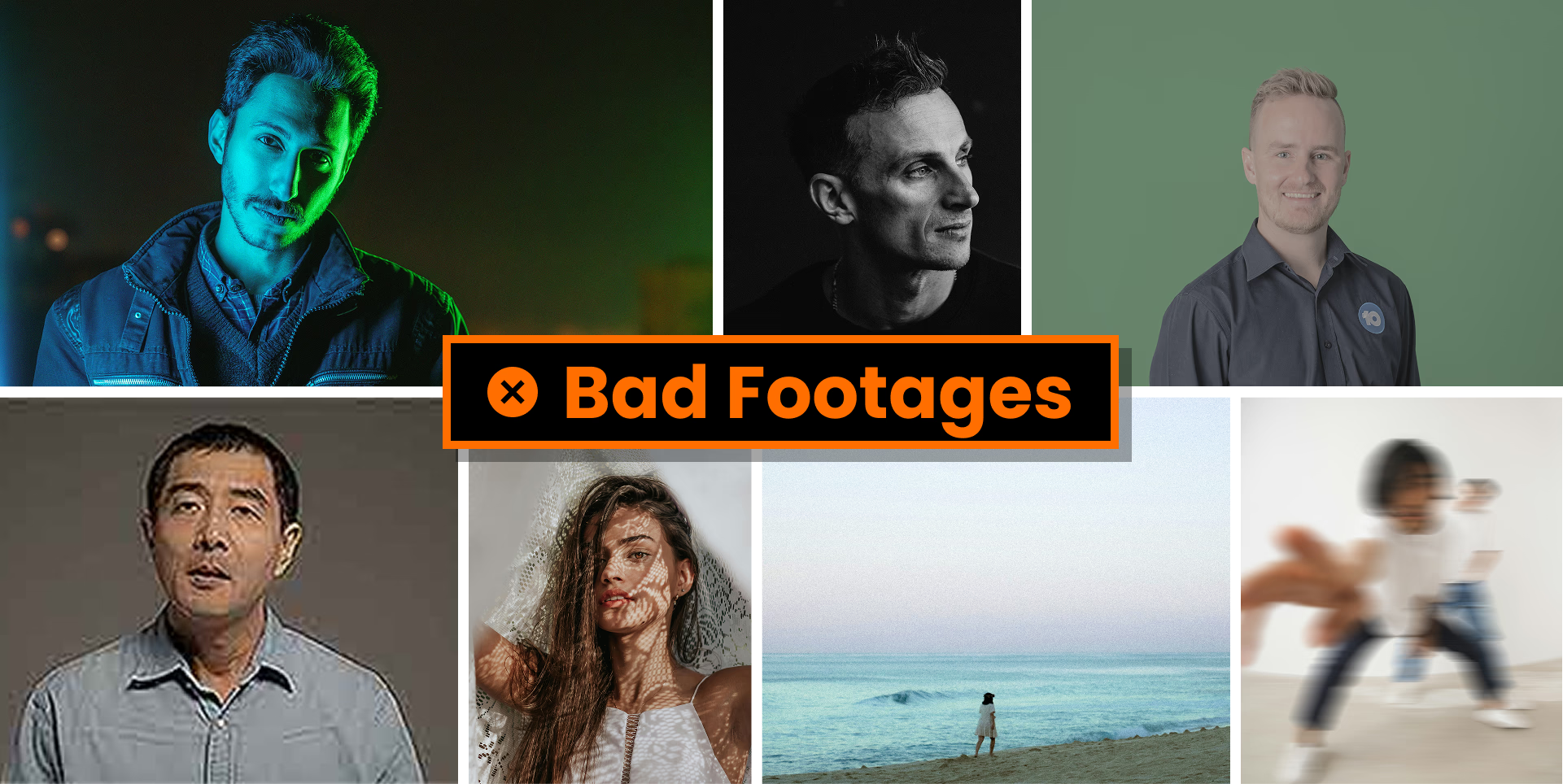 Avoid footage with these problems:
- No visible subject, or subject is too small in frame
- Grayscale footage – color is required
- Non-sRGB/Rec.709 color space – make sure your footage uses standard sRGB or Rec.709
- Poor quality – low bitrate, blurry, noisy, or out of focus
- Improper exposure – overexposed, underexposed, or extreme contrast
- Too much camera movement – shaky or unstable footage is hard to work with