

Device Settings
Beeble works only on the Chrome or Edge browser.Enable Graphics Acceleration
If graphics acceleration is disabled, enable it: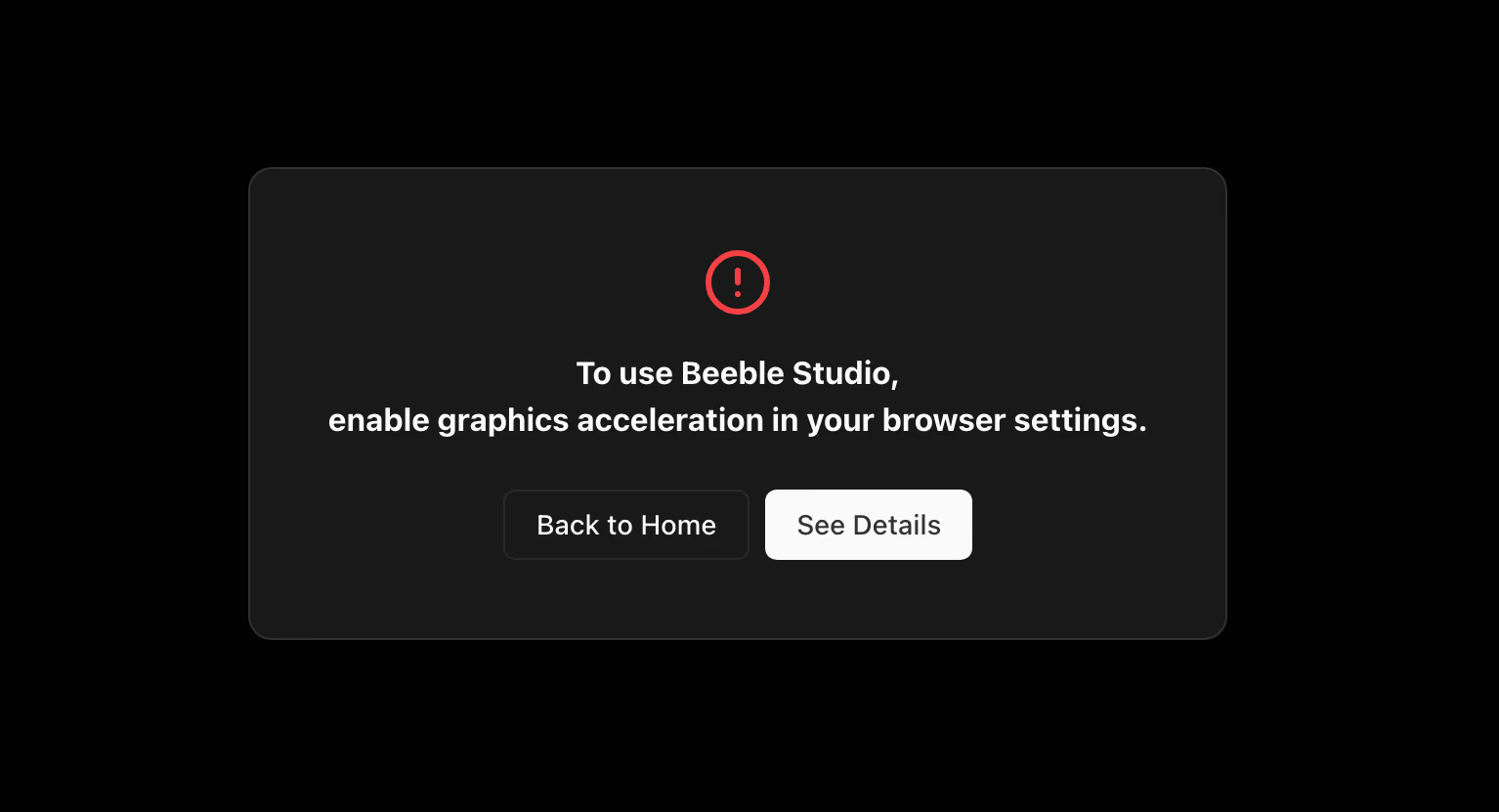
- Chrome: Settings → System Edge: Settings → System and performance → System
- Enable Use graphics acceleration when available.
- Click Relaunch to restart your browser.
Use Dedicated GPU (Windows Only)
If you see Graphics: CPU on the toolbar, your browser is likely using the integrated GPU. Switch to your dedicated GPU:
- Go to Windows Settings → System → Display → Graphics.
- Under Custom options for apps, find your browser (or click Browse to add it):
- Chrome:
C:\Program Files\Google\Chrome\Application\chrome.exe - Edge:
C:\Program Files (x86)\Microsoft\Edge\Application\msedge.exe
- Chrome:
- Select the browser → Options → High performance (e.g., GPU: NVIDIA GeForce RTX 4090) → Save.
- Relaunch your browser.
- Open Task Manager → Performance tab to check if the dedicated GPU is being used.